The User Profile page displays the account groups associated with your account type and your account details.
Accessing the User Profile page
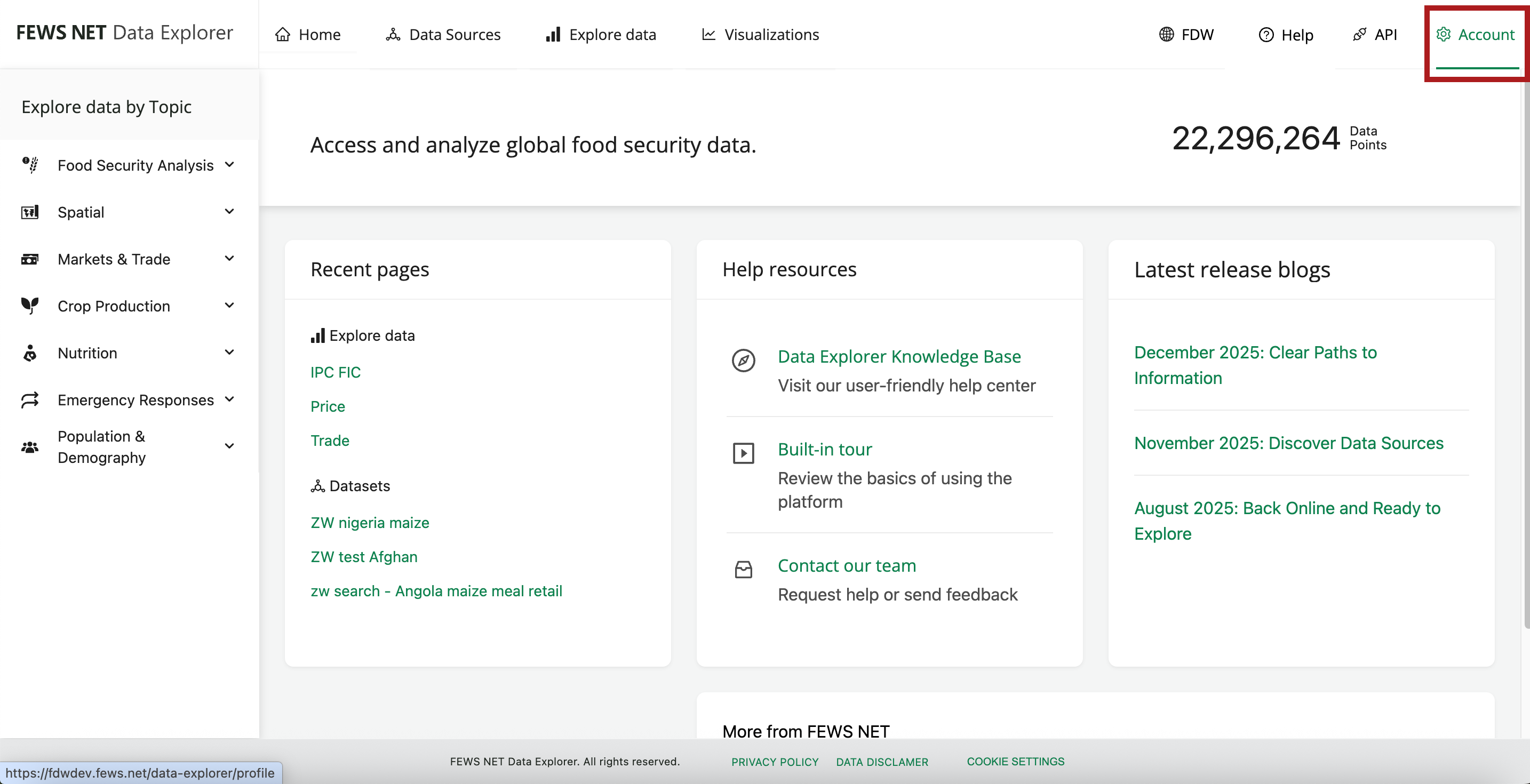
The User Profile page can be accessed from the header of any screen in FDE by selecting the Account tab.
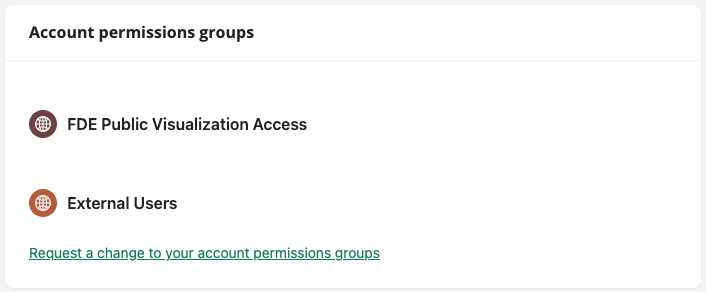
Account permissions groups
The Account permissions groups section displays a list of account groups you currently belong to. This section also includes a link to request a change to your account permissions groups.
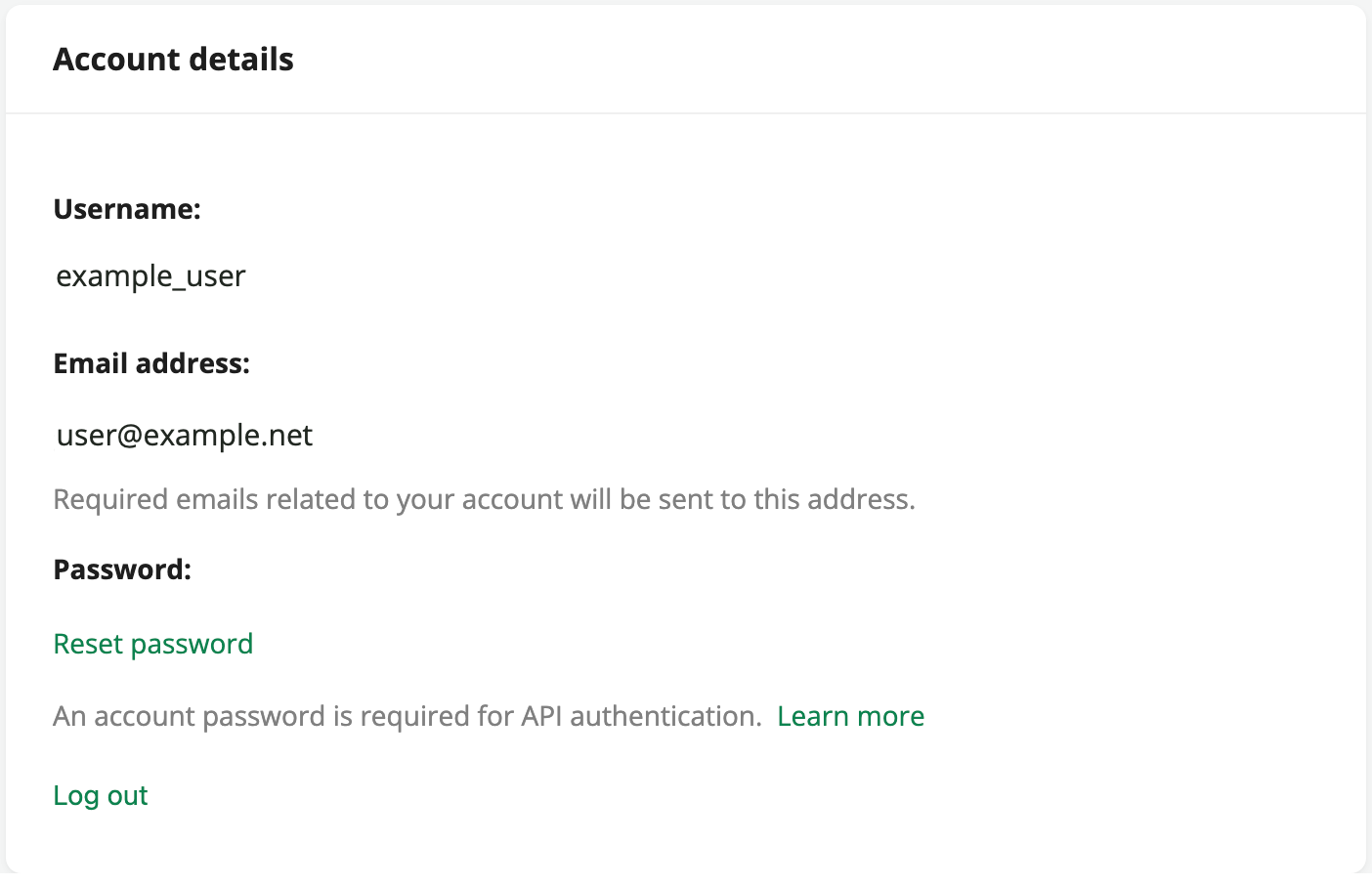
Account details
The Account details section displays the username and email address associated with your account. You also have the option to reset your password or log out.
If you have only used single sign-on to access FDE, you will see the option to create a password instead of resetting it.
Your username and password can be used to authenticate requests to the FEWS NET API, including working with refreshable links in Excel. Review the API documentation for more details.
Subscription preferences
The Subscription preferences section includes a link to subscribe to the monthly Data Explorer release notes blog.
You can change your subscription preferences at any time using the link from a previous newsletter. Changing your subscription preferences will not impact email settings for your Data Explorer account.