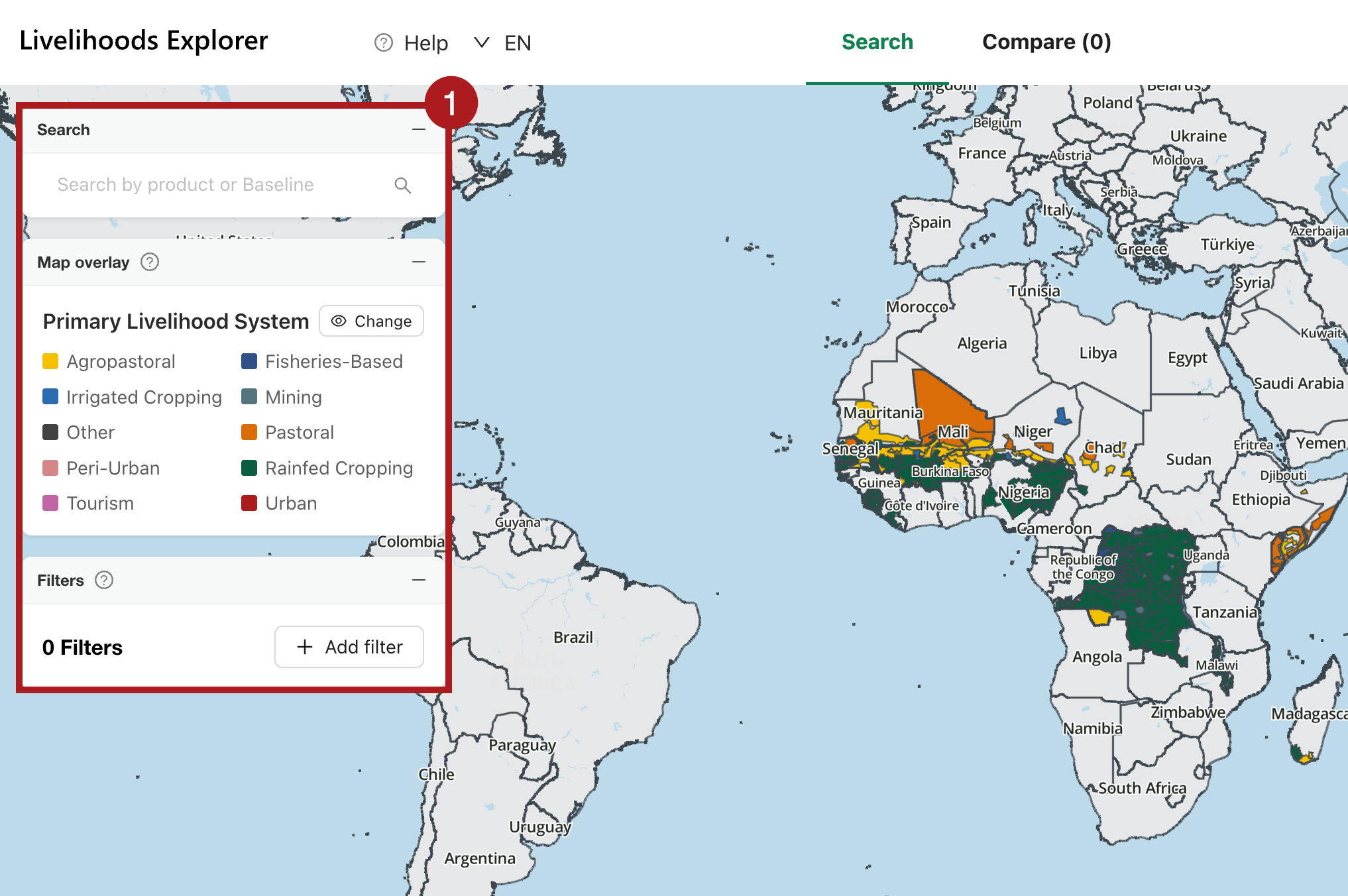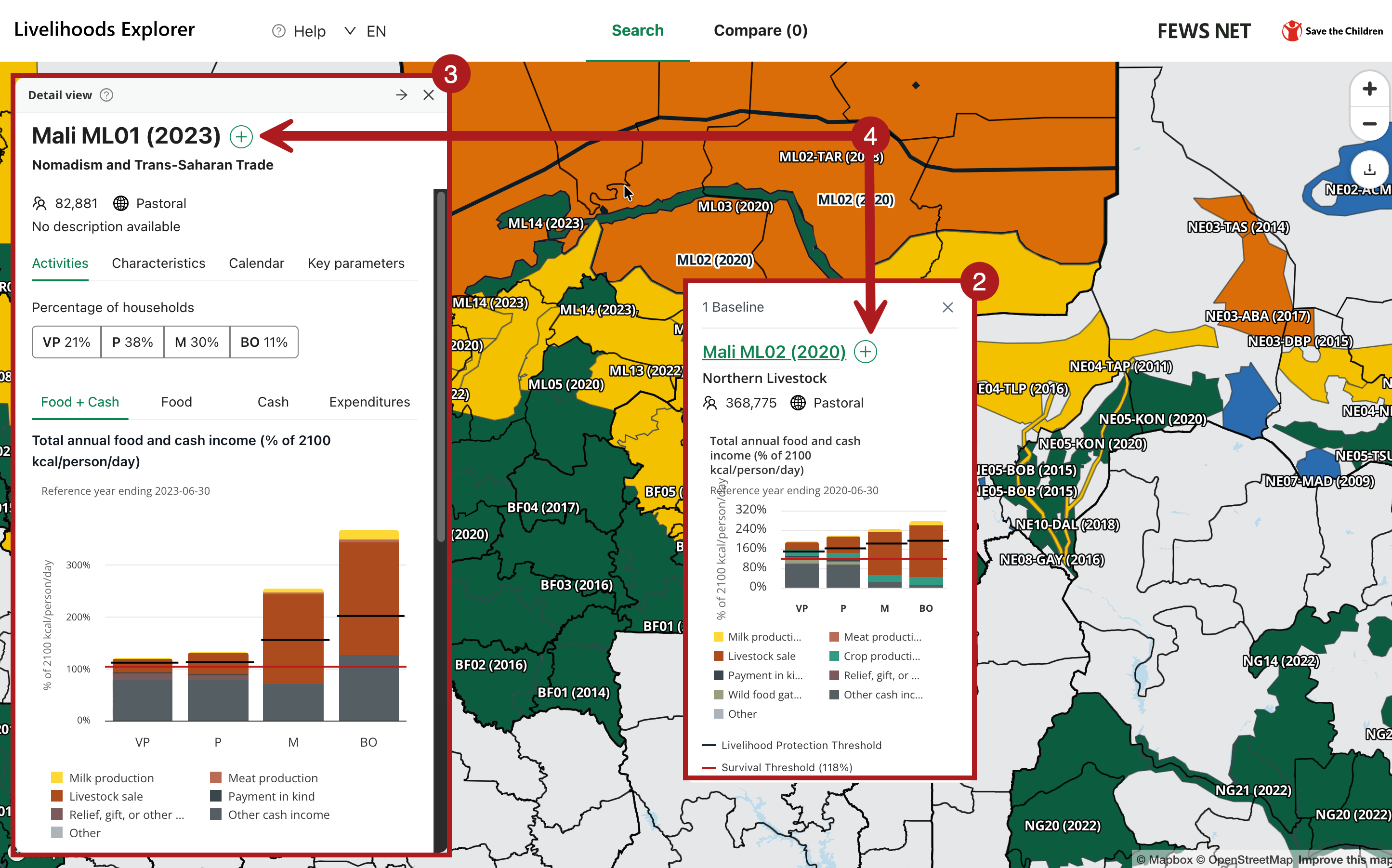
The Search tab in the Livelihoods Explorer (LEX) is the main interface for selecting and viewing Baseline data. This tab contains an interactive map and a sidebar that allows for searching and filtering. From this tab you can:
-
Search for Baselines, use a map overlay, or apply custom filters.
-
Click on a Livelihood Zone from the map to open a Quick view card for a Baseline.
-
Click on a Livelihood Zone code from the Quick view card or from the search results to open the detailed Detail view card.
-
Click the plus button next to a Baseline name to add it to the Compare screen.
You can also quickly compare two Baselines by opening a Detail view card and then opening a Quick view card for a different Baseline from the map.